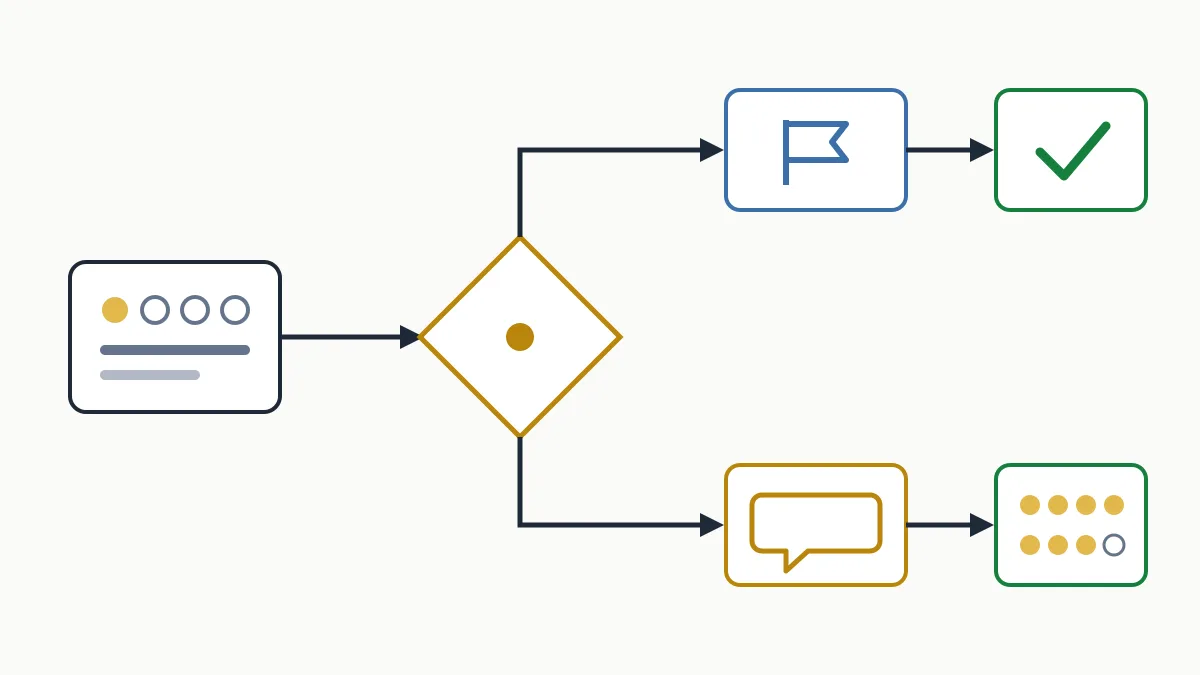
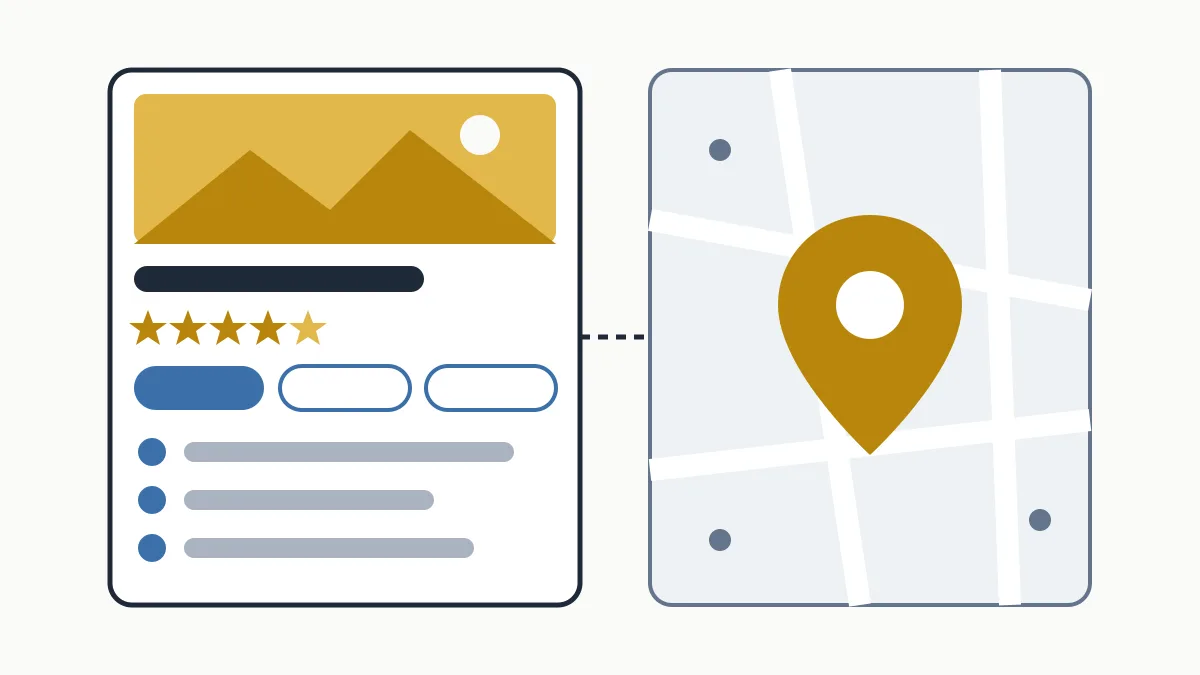
To add my business to Google Maps I need to create (or claim, if it already exists) a Google Business Profile at business.google.com/add, fill in the details the wizard asks for and verify that the business is mine using the method Google offers. It is free. The verification review can take up to 5 business days, and longer if the code is sent by post.
This guide covers sign-up and verification only. What the listing is and how to fill in each field is in our guide to the Google Business Profile listing, and how to climb once you are in is in how to show up on Google Maps.
| Cost | Free |
|---|---|
| Where | business.google.com/add or the Google Maps app |
| What you need | A Google account, the real business details and access to the premises, phone or business email |
| Verification method | Determined automatically by Google; you cannot choose it |
| Review | Up to 5 business days; some profiles are verified instantly |
| Postcard code | Most arrive within about 14 days and expire after 30 |
Before you start: is your business eligible?
Google's guidelines only allow profiles for businesses that deal with customers in person during their stated hours. There are two valid cases, and they can be combined:
- A business with premises customers can visit: a shop in Girona, a clinic in Tarragona, a restaurant in Gràcia.
- A service-area business that travels to the customer: a plumber in Sabadell, a cleaning company in Lleida. Here you define a service area and, if you work from home, the guidelines ask you to hide the address.
A business that only sells online, with no in-person contact, is not eligible. Neither are virtual offices without their own staff.
Step 1. Check whether the business is already on the map
Open Google Maps and search for the business name and city. A listing often exists already without anyone at the business having created it. If it does, do not create another one: the guidelines forbid more than one profile per location, and duplicates end up causing trouble. Claim it instead (step 2, option B).
Step 2. Add or claim the profile
Option A: the business is not on Google
- Go to business.google.com/add signed in with the business Google account.
- Click “Add your business to Google”.
- Follow the on-screen instructions to add your details.
- Select a verification option and follow the steps.
That is how Google documents it, without a screen-by-screen breakdown, because the wizard changes with the type of business and the country. What it usually asks for, and what you should have ready, is:
- Business name, exactly as it appears on your sign and invoices. No added services or cities.
- Primary category: the one that describes what you are (“Dental clinic”, not “Health”).
- Whether you have a location customers can visit. If yes, it asks for the address; if not, for the area you serve.
- Phone number and website customers will see.
The order and number of screens can vary. If the wizard suggests an existing listing that matches your business, pick it rather than carrying on creating a new one.
Option B: the business is on Maps but nobody manages it
- On your computer, open Google Maps and search for the business name and city.
- Select the business, click “Claim this business” and then “Manage now”.
- Select a verification option and follow the instructions.
In the Google Maps app the path is the same: search for the business, open the profile and the claim option is under the “About” tab.
Option C: someone else already has the profile verified
This often happens with former partners, ex-employees or the agency that built the website. From business.google.com/add, search for the business, select it and click “Request access” to fill in the form. The current owner is notified by email and has 3 days to respond. If they do not, Google says you may be given the option to claim the profile from the confirmation email; if they deny the request, you can appeal.
Step 3. Verify the business
Verification is how you prove to Google that you represent the business. Two things worth knowing beforehand: Google determines the method automatically based on business type, public information, region and opening hours, and it cannot be changed; and in some cases you need to verify with more than one method.
| Method | What you do | Keep in mind |
|---|---|---|
| Phone or text | Answer the call or message and enter the code | It does not work if the number goes to an automated voice menu |
| Open the message at the address shown on screen and follow its instructions | You need access to that inbox | |
| Video recording | Record it on a mobile from within the profile, in one take and at least 30 seconds long | Edited or pre-recorded videos are not accepted |
| Live video call | Show the business to a Google agent | You must be at the business during opening hours |
| Postcard | Enter the 5-digit code that arrives at the business address | Not available for every business |
What the video has to show
This is the method that raises most questions. Google asks for three proofs in a single unbroken recording:
- Location: the street sign, the building number or neighbouring businesses, to show you are where the map says.
- Existence: the shopfront and signage with the name, which must match the profile. For a service-area business, your tools, a branded van, business cards or branded workwear.
- Management: something only staff can access, such as opening the till, the kitchen, the stockroom or the point-of-sale system.
It must not show other people's faces or sensitive data such as bank or ID numbers. Once uploaded, the review can take up to 5 business days.
Step 4. While you wait and right after
- If you are waiting for a postcard, do not touch the name, address or category. Google warns that if you edit them, the code it sent will no longer work.
- Tell whoever collects the post or answers the business phone: the code is easily lost if nobody knows what that envelope is.
- If the verify button shows up on the profile again, Google could not fully verify the business and you need to repeat the process.
- Once verified, add a second trusted owner and complete the listing: hours, description, photos and services. The recommended order is in our guide to the Google Business Profile listing.
Mistakes that delay sign-up
- Keywords in the name (“Vila Carpentry – Doors and Kitchens Manresa”). It breaks the guidelines and can get the profile suspended.
- An address that is not a real place of service: PO boxes, virtual offices or a coworking space with no signage or staff of your own.
- Creating a second listing because the first one “does not show” or you lack access, instead of claiming it.
- A trimmed or edited video, or one with no visible signage: it gets rejected and you start again.
- A phone number with an automated menu as the verification number.
Being listed does not mean ranking first. Position depends on other factors, covered in how to show up on Google Maps. And if you do not yet have a website to link from the listing, a basic website is enough to get started.
Frequently asked questions
How much does it cost to add my business to Google Maps?
Nothing. A Google Business Profile is free to create and manage, and Google does not charge for verification: be wary of any call asking for money to “keep” your listing.
How long does it take for the business to appear?
It depends on the method you get. Some profiles are verified instantly; the review can take up to 5 business days, and a postcard usually arrives within about 14 days.
Can I choose the verification method?
No. Google determines it automatically and it cannot be changed. If video is the only option offered, you have to record the video.
Can I sign up if I work from home?
Yes, as long as you serve customers in person by travelling to them. You sign up as a service-area business, define the area and hide the address.
Conclusion
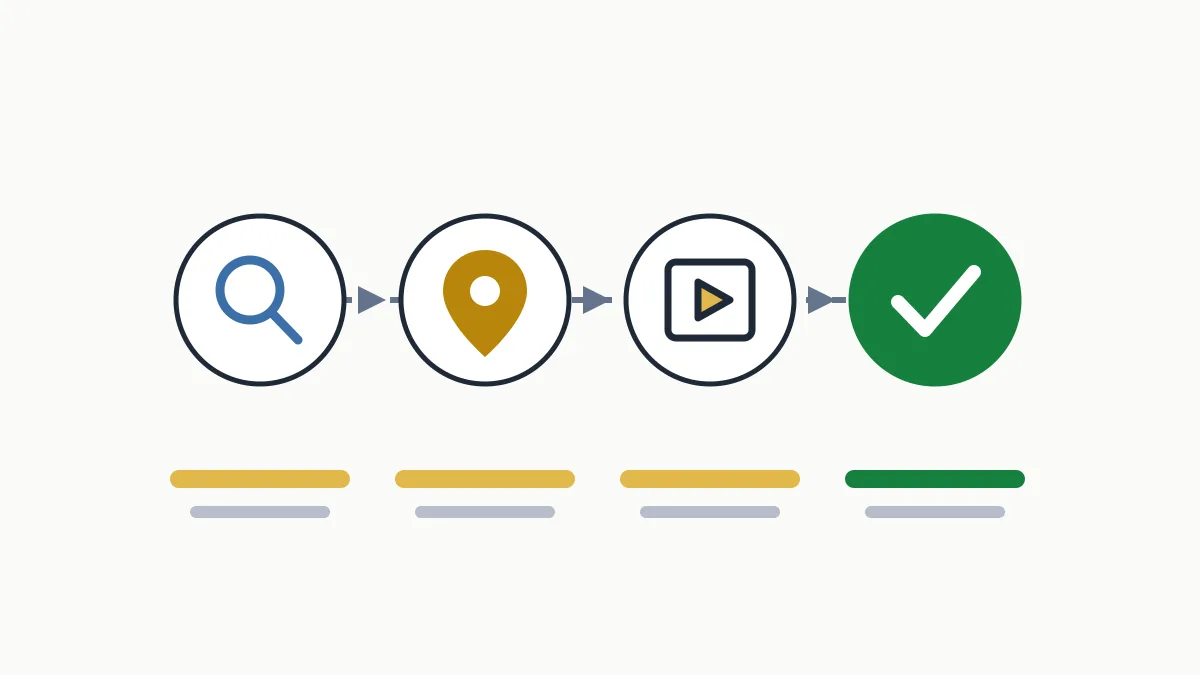
Adding a business to Google Maps takes four steps: check whether it already exists, add or claim it, verify it and complete it. What costs the most time is not the form but duplicates and failed verifications. If you want to know how your business looks on Google today and what is missing, ask us for a free initial analysis.