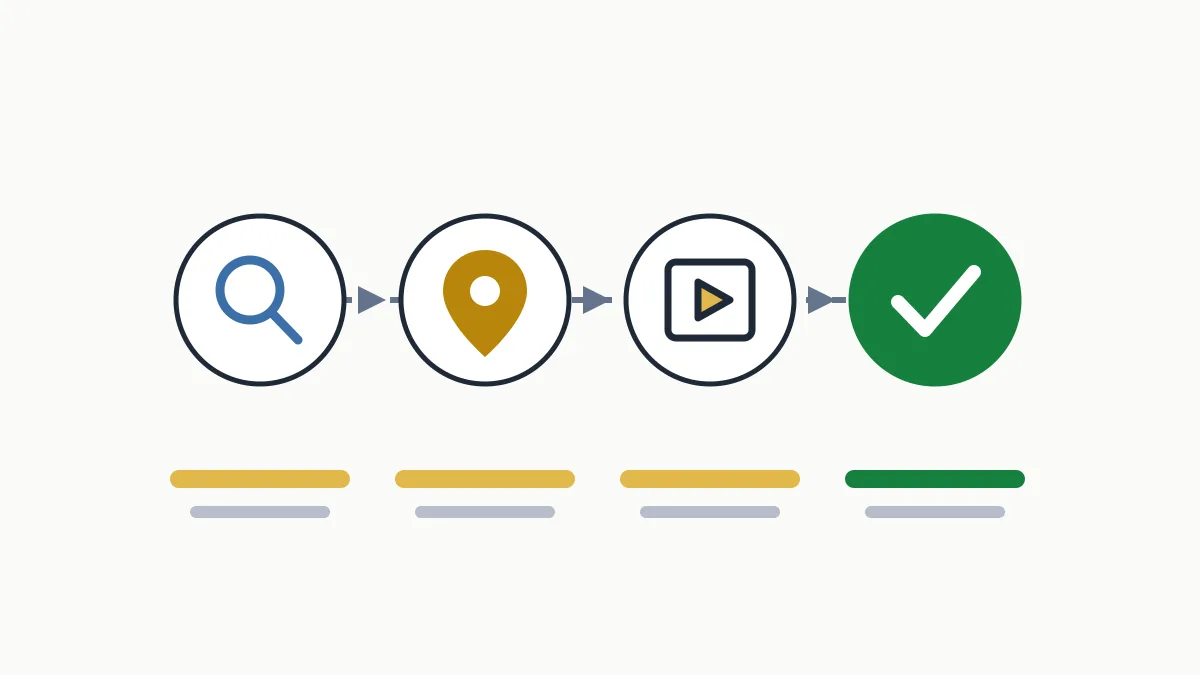
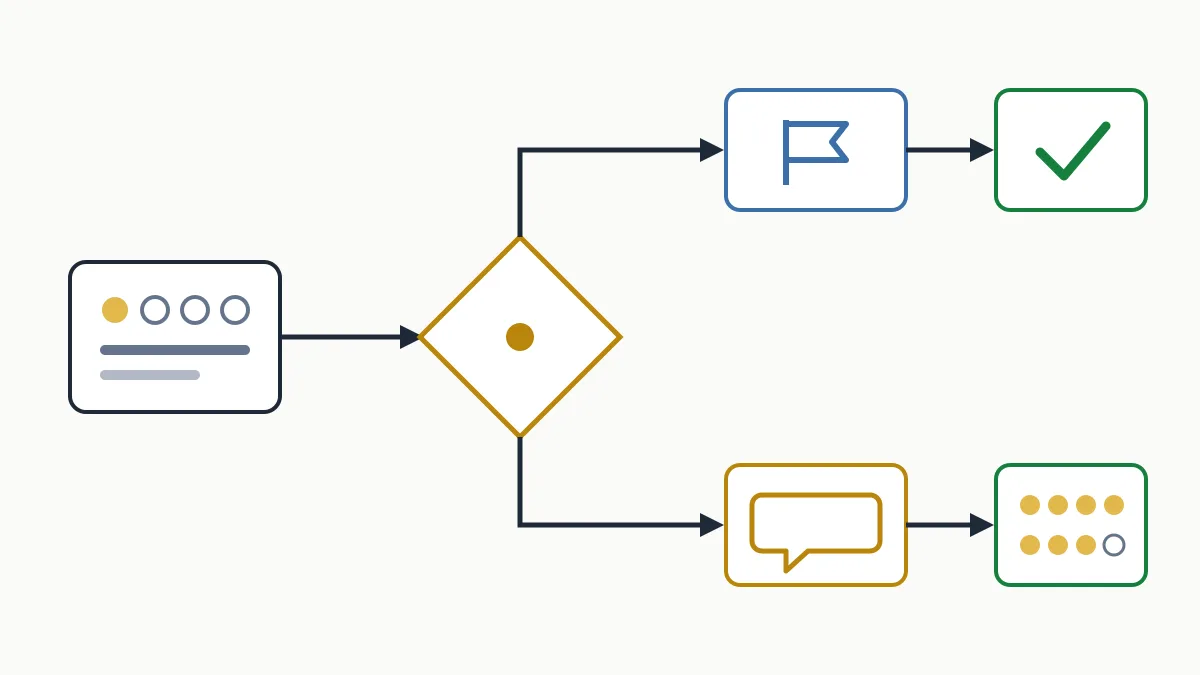
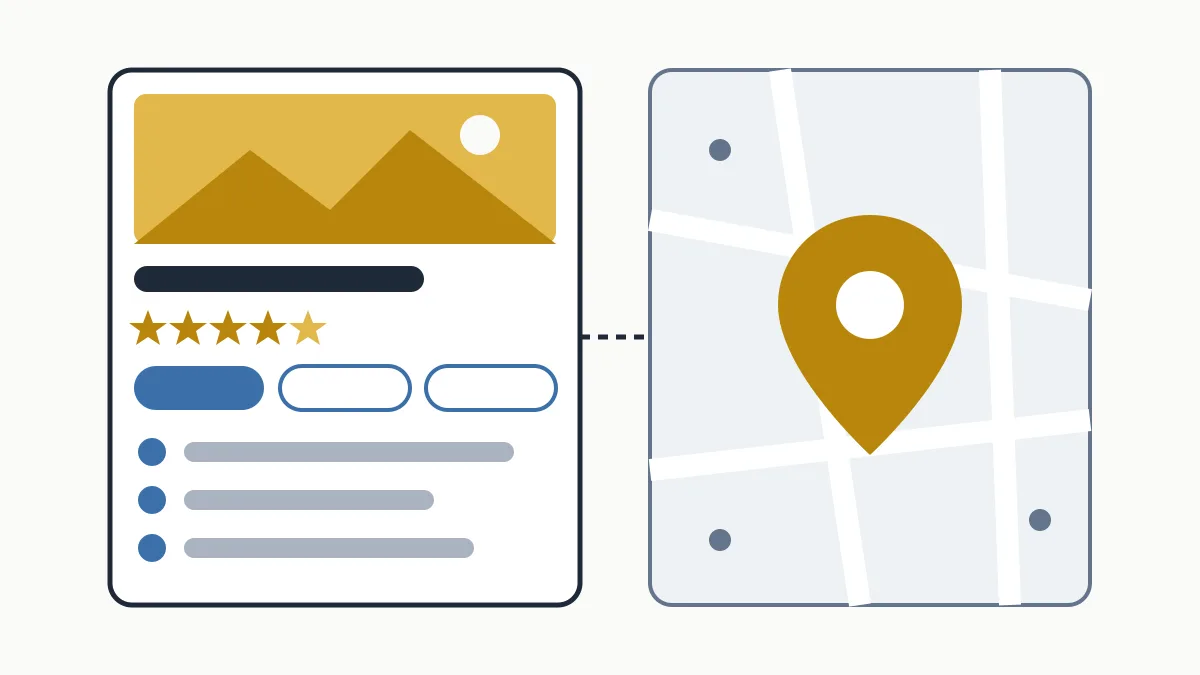
A Google Business Profile listing (formerly Google My Business) is the box with a business's name, address, opening hours, phone number, photos and reviews that appears on Google Search and Google Maps. It is free and is managed by whoever has verified that they represent the business. For a local business it is usually the first thing a customer sees, before the website.
What the listing is and where it appears
“Google listing”, “Google My Business listing”, “the business on Google Maps” and “Google Business Profile” are all the same thing. Google renamed Google My Business to Google Business Profile in 2021, and since then it has been managed directly from Search and Maps with the owner account.
It appears in three places:
- Next to the results when someone searches for your business name.
- In the map block (the map pack) when someone searches for a nearby service: “dentist Girona”, “hardware shop open now”.
- Inside Google Maps, in the app and on the web.
Who can have one
Any business that serves customers in person, whether at its premises or by travelling to the customer. A business that only sells online is not eligible under Google's guidelines. If your listing is not yet created or verified, the full process is in how to add my business to Google Maps; here we assume you already have it.
What a Google Business Profile listing contains
These are the fields the owner can fill in. Not every section is available for every category or in every country.
| Field | What goes in it | Typical mistake |
|---|---|---|
| Name | The real name, as on the sign | Adding services or a city |
| Category | One primary and up to 9 additional | Picking one that is too generic |
| Address or service area | Where you serve, or the area you travel to | Showing a home address |
| Hours | Regular hours and special hours for holidays | Not updating holidays |
| Phone | Up to 3 numbers | Listing a number nobody answers |
| Website and social | The website URL and social profiles | Linking only a social profile, with no website |
| Description | Up to 750 characters on what you do and for whom | Stuffing it with keywords |
| Attributes | Accessibility, terrace, Wi-Fi, payments… | Leaving them blank |
| Photos and videos | Shopfront, interior, team, finished work | Only the logo |
| Services, products or menu | What you offer, with name and description | Leaving it empty |
| Opening date | Month and year | — |
How to complete it well: order of priority
Google says businesses with complete and accurate information are easier to match with searches. But not every field carries the same weight for the customer. This is the order I recommend when time is short:
- Exact name, address and phone. Identical to the website and the sign. A business in Terrassa with one phone number on the listing and another on the website creates missed calls and doubt.
- A specific primary category. The guidelines ask you to choose the category that describes what the business is, not what it has. “Catalan restaurant” before “Restaurant”; “Employment lawyer” before “Lawyer”. Add additional ones only if they are real services.
- Hours, including holidays. It is the detail customers check right before visiting. Set special hours for Christmas, Sant Joan or the August break before they arrive.
- A useful description. What you do, for whom and where, in the first two sentences. It has to describe the business; Google does not want links or promotions there.
- Your own photos. The shopfront (so people can find you), the interior, the team and examples of your work. A clinic in Lleida with real photos of its waiting room says more than stock images.
- Services and attributes. These details settle specific doubts: wheelchair access, card payments, home visits.
Once all this is up to date, the next level is advanced optimisation: posts and a review strategy, both covered in the complete guide to Google My Business and local SEO.
What you do not control
Part of the listing is not written by the owner, and it helps to know that in advance:
- Reviews are written by customers. You can reply to them and report those that break the rules, but not edit them. There is a management method in Google reviews: a practical system.
- User photos are shown alongside yours.
- Suggested edits. Any user can propose a correction, and Google may update profile details with information from other sources.
- Review of your edits. Google reviews changes before applying them, so an edit can take time to show or be rejected.
That is why it is worth opening the profile now and then to check that the hours and phone number are still yours.
Common mistakes
- Keywords in the name. “Anna Hair Salon – Colour and Highlights Sabadell” breaks the guidelines and puts the profile at risk of suspension.
- Two listings for the same business. Reviews get split and customers do not know which one is right.
- A listing created with the personal account of someone who no longer works there.
- Out-of-date hours. A customer who finds the shutters down when Google said “open” is a likely negative review.
- Unanswered reviews. Google recommends replying; besides, the reply is read by the next customer.
Completing the listing is the foundation. Making it rise on the map when someone searches for your service is a separate topic, covered in how to show up on Google Maps. And to understand where the listing fits in the bigger picture, read what is local SEO.
Frequently asked questions
Is a Google listing the same as Google My Business?
Yes. Google My Business was renamed Google Business Profile in 2021. The listing is the same; only the name and where you manage it have changed.
How much does a Google Business Profile listing cost?
Nothing. Creating, verifying and managing it is free.
Can I have a listing without a website?
Yes, the website field is optional. But without a website customers cannot find out more, and you miss the chance to appear in the organic results as well.
Why is an edit I made not showing?
Google reviews edits before applying them. If it still does not show after a few days, check whether the change was rejected or breaks a guideline.
Conclusion
A well-completed Google Business Profile listing means exact details, a precise category, up-to-date hours, a useful description and real photos. It does not take much time, but it does take consistency. If you would like us to review your listing and your website together and tell you what is missing, ask for a free initial analysis or see how we work on local SEO.