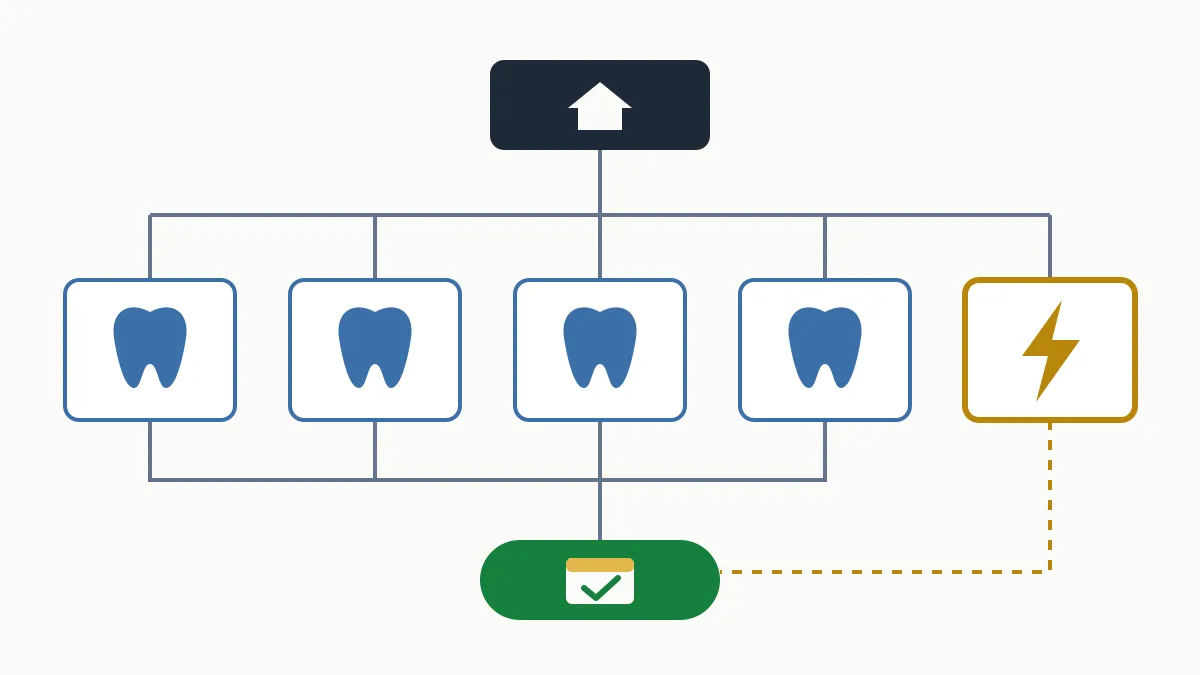
On-page SEO is the part of SEO you work on inside each page of your website: the content, the title, the headings, the URL, the images and the internal links. Its job is to help Google understand what the page is about and to make sure whoever lands on it finds what they were looking for. It is the only part of ranking that depends on you alone.
Below you have the full checklist, the order I would apply it in for a small business and the mistakes that come up most. If the bigger picture is not clear yet, start with what SEO is.
What on-page SEO is and what it leaves out
“On page” means exactly that: everything you can change by editing that specific URL. That is why it is done page by page, not site by site.
It leaves two things out. First, whatever affects the whole site as infrastructure (crawling, indexing, server speed), which is technical SEO. Second, everything that happens outside your domain and speaks to the reputation of the business, which is off-page SEO.
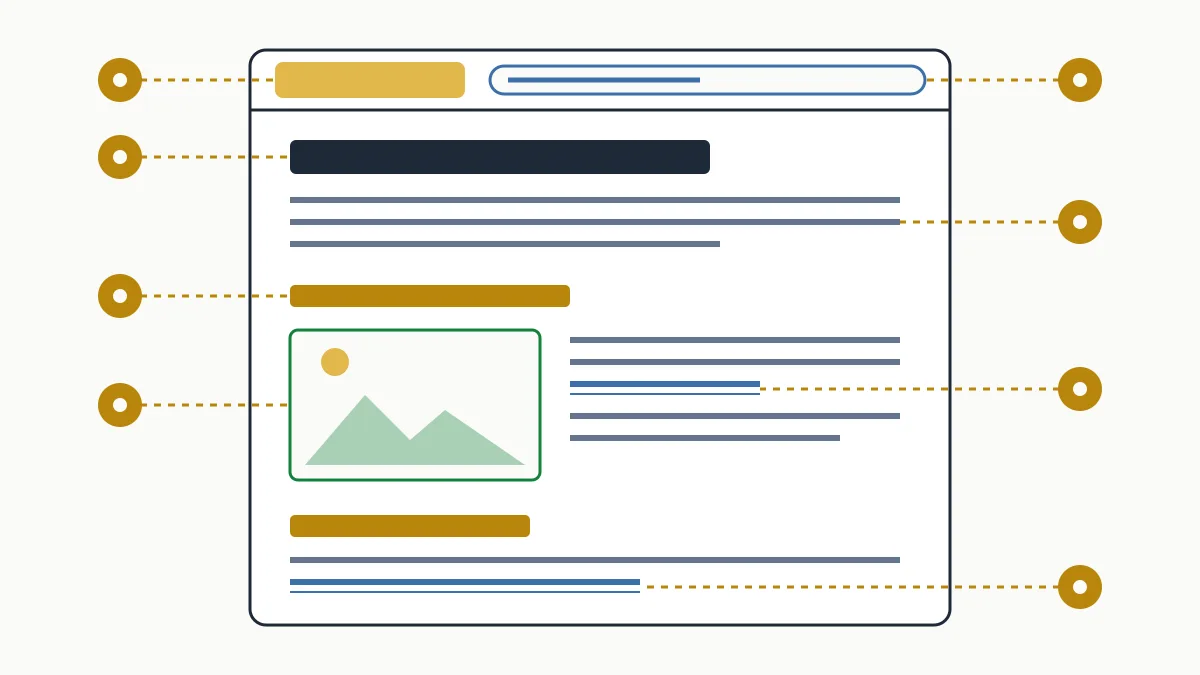
On-page SEO checklist: the 9 factors
This is the list I go through on a page before signing it off:
| Factor | What to check | Typical mistake |
|---|---|---|
| 1. Search intent | The page is the type Google shows for that search (service, guide, comparison) | A blog article trying to rank for a search made by people ready to hire |
| 2. Title | Unique, with the main search near the start and a reason to click | The same title on every page |
| 3. Meta description | Sums up the page and invites the click | Empty or duplicated |
| 4. H1 and headings | One clear H1; H2s and H3s that organise the content | An H1 that says “Welcome”, or decorative headings |
| 5. Content | Answers the question at the top and covers what the customer needs to decide | Three generic lines |
| 6. URL | Short, readable, made of words | /page?id=37 |
| 7. Images | Descriptive alt text, reasonable file size, a meaningful file name | Important text baked into an image |
| 8. Internal links | The page receives links from other pages on the site with descriptive anchor text | A page you can only reach from the menu |
| 9. Structured data | Markup that matches the type of page (local business, product, FAQ) | Markup that does not match what is visible |
How to work on each factor
Title and meta description
They are what people see in the Google result before visiting the site. The title helps Google and the user understand what the page is about; the meta description does not influence the order of results, but it does influence whether you are the one chosen. Google may rewrite both if it thinks another text answers the search better, and that happens more often when they are generic.
I will not go further because you already have it with real cases: SEO title examples that work and meta description examples.
Headings and content
Put the answer at the top. If the page is “air conditioning installation in Sabadell”, the first paragraph has to say what you install, where, and how to ask for a quote, not the history of the company. Then, what customers ask on the phone: indicative prices, lead times, areas you cover, what is included and what is not.
Before writing, search for the term yourself and look at what comes up. If Google shows service pages and you prepare a long article, you are working against search intent.
URL, images and internal links
A URL like /bathroom-renovations-tarragona explains itself. If a page already ranks, do not change its URL for looks: a change requires a redirect and adds nothing.
Alt text describes the image for someone who cannot see it; it is not a place to squeeze in keywords. And internal links are how you tell Google which pages matter: from blog articles to the service page, with text that says what is on the other side.
Structured data
It helps Google interpret the page and can lead to rich results, but it does not guarantee them. Use the type that matches the page and mark up only what the visitor can actually see. The types and how to implement them are in the structured data guide.
Where to start: order of priority in a small business
- The pages that already make money. Main services or products. There are few of them and they are the ones that matter.
- Pages with impressions and few clicks. In Search Console, the ones sitting in middling positions: reworking their title and content is usually the most profitable job. How to find them is in the guide on how to use Google Search Console.
- Services without their own page. If you do five things and have a single “Services” page, four are missing.
- Blog and remaining pages. Last, and linking to the service pages.
If you would like us to handle the copy and optimisation, see what the SEO content service includes.
The on-page SEO mistakes I run into most
- A single page for all services. It cannot rank for any one of them.
- Repeating the keyword until the text creaks. It does not help and it reads badly; this is what is known as keyword stuffing.
- Two pages for the same search. They compete with each other; this is keyword cannibalisation.
- Cloned city pages. The same text with “Girona” swapped for “Figueres” is no use to anyone.
- Optimising for the term the company likes. “Comprehensive climate solutions” versus “install air conditioning”, which is what the customer types.
When changes show up
An on-page change does not count until Google crawls the page again, which can take from a few days to a few weeks. You can request indexing from the URL inspection tool in Search Console. From there, how far the position moves depends on the competition. Write down the date and the change: it is the only way to know what worked.
Frequently asked questions
What is the difference between on-page and off-page SEO?
On-page is what you optimise inside your own pages: content, title, headings, internal links. Off-page is the set of signals from outside your site, such as links from other sites, mentions and reviews.
What is the difference between on-page SEO and technical SEO?
Technical SEO makes sure Google can crawl and index the whole site. On-page SEO makes sure each page, once indexed, answers one specific search well.
How many times should the keyword be repeated?
There is no ideal density. It is enough for it to appear naturally in the title, the H1 and the opening of the text, and for the rest of the page to cover the topic properly.
Does the meta description affect rankings?
It is not used to order results. It does influence clicks, because it is the text that usually appears under the title, although Google may replace it with a fragment of the page.
How often should on-page SEO be reviewed?
The main pages, whenever the service changes or Search Console shows they are losing clicks. There is no need to touch a page that works just for the sake of it.
On-page SEO is orderly work, not tricks: one page per search, the answer at the top and the nine points on the list. If you want to know which pages of your site to work on first, ask for the free initial analysis.